Choose the scope
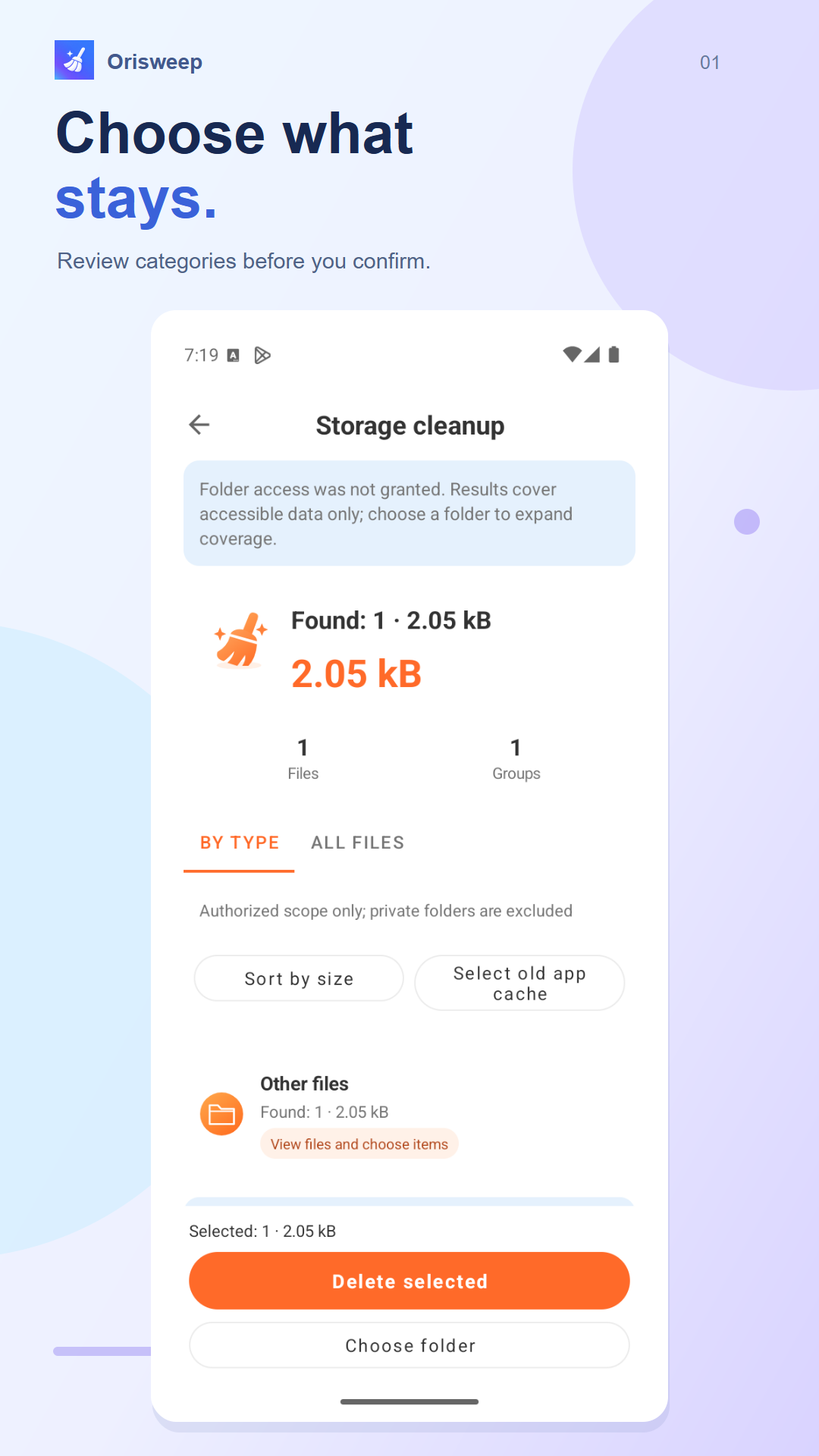
Grant access to the files or folders you want to review. You control what the app can reach.
Make room for what matters. Orisweep helps you review your files, clear the clutter, and get to know your Android — with every choice in your hands.
LESS CLUTTER, MORE CLARITY
Practical tools for your files and device. Simple to explore, easy to understand.
English app screenshots · Results depend on your device and permissions.
A SMALL ROUTINE. A LITTLE MORE ROOM.
Grant access to the files or folders you want to review. You control what the app can reach.
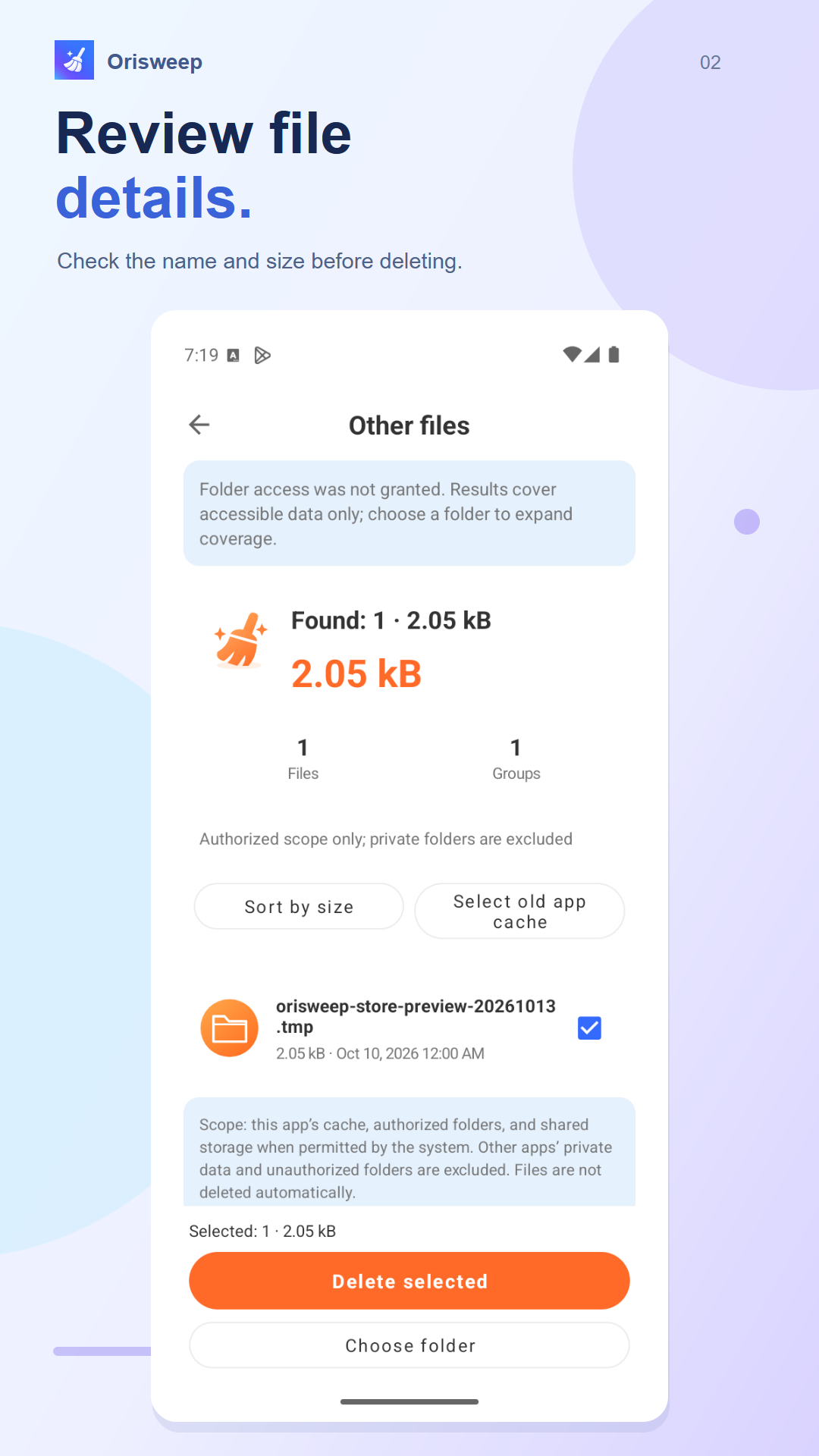
Browse the results and inspect the details. Select only the files you no longer need.
Review your selection and confirm deletion. Keep a backup of anything important; deleted files cannot be restored by Orisweep.
YOUR PHONE. YOUR CONTROL.
File organization and supported security checks run locally. Your file contents are not uploaded for scanning. Access stays within the permissions you grant.
Advertising, privacy choices and requested rule updates use network services. Security checks offer limited risk indicators, not a guarantee that a device or file is safe.
Read the privacy policy ↗GOOD TO KNOW
Cleanup requires your selection and confirmation. Review the details before deleting and back up important files. Orisweep cannot restore deleted files.
Storage access lets Orisweep find and organize eligible files. Coverage depends on your Android version and granted permissions. You can manage or revoke access in settings.
No. Device pages show available readings and suggestions. They do not guarantee speed, cooling or battery-life improvements.
Use the Google Play buttons on this page to visit the app listing. Availability and compatibility are shown by Google Play.

MAKE ROOM FOR WHAT MATTERS
A little less clutter. A little more peace of mind.
Get Orisweep on Google Play